Does a VPN Work With an eSIM? What Travelers Need to Know
- Author: VPN Scout Editorial Team
- Published On: August 7, 2026
- Updated: August 7, 2026
- Category: VPN and eSIM
How this article was prepared
VPNScout reviews official documentation and public security guidance, then checks material claims during editorial updates. We do not describe a product as hands-on tested unless the article includes the test conditions and results.
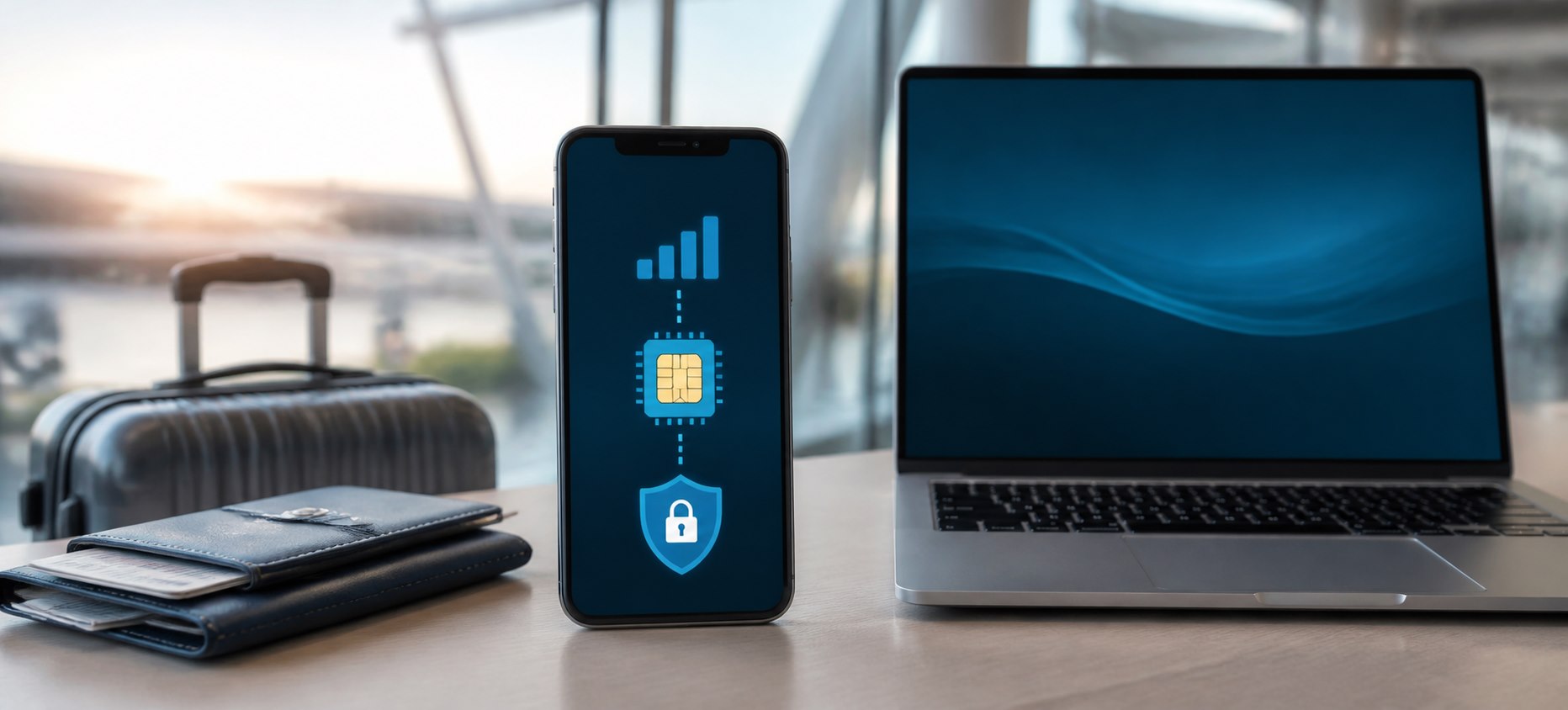
Yes, a VPN works with an eSIM. Once the eSIM provides mobile internet access, a VPN app can encrypt and route supported traffic over that connection in the same general way it works over a physical SIM or Wi-Fi. The eSIM supplies connectivity; the VPN adds a protected tunnel.
Using both can be useful when traveling, but neither replaces the other. A travel eSIM does not automatically encrypt all internet traffic or let you choose a VPN server location, and a VPN does not provide cellular coverage, a phone number, or an international data allowance.
VPN and eSIM: Quick Answers
| Question | Answer |
|---|---|
| Does a VPN work with an eSIM? | Yes, when the eSIM has an active data connection |
| Does an eSIM include a VPN? | Usually not; check the exact provider and plan |
| Does a VPN use eSIM data? | Yes, plus some protocol overhead |
| Does a VPN stop roaming charges? | No |
| Does an eSIM hide your IP address? | It assigns connectivity through a carrier; it is not a user-selectable VPN tunnel |
| Can you use a VPN with Dual SIM? | Yes; VPN traffic normally uses whichever data line is active |
How a VPN Works With an eSIM
An eSIM is a digitally stored carrier profile. On a supported phone or tablet, it lets the device register with a cellular provider without inserting a removable SIM card. After activation, the selected eSIM can supply mobile data.
A consumer VPN is an app or operating-system configuration that creates an encrypted tunnel to a VPN server. Traffic routed through that tunnel travels over the existing connection—your eSIM, physical SIM, Wi-Fi, or Ethernet. The services operate at different layers, which is why they can work together.
The basic path is:
Phone or tablet → travel eSIM's mobile network → encrypted VPN tunnel → VPN server → website or app
Your eSIM provider can still see that the device is using data and may be able to identify a connection to a VPN service. The VPN provider occupies a trusted position for tunneled traffic, so choose it carefully. Websites normally see the VPN server's public IP for protected traffic, while GPS, account history, cookies, and excluded apps may still reveal other location information.
What an eSIM Does—and Does Not Do
An eSIM can:
- Connect a compatible device to a carrier network.
- Provide a local, regional, or international data plan.
- Reduce the need to swap physical SIM cards.
- Let supported phones keep a home line and travel line available together.
An eSIM does not inherently:
- Create a VPN tunnel.
- Let you select a public IP in any country.
- Protect you from phishing, malicious apps, or unsafe account behavior.
- Remove data caps, roaming rules, or carrier visibility into data volume.
- Guarantee voice calls or SMS; many travel plans are data-only.
Apple documents that supported iPhones can store multiple eSIMs and, on compatible models, keep two active at once. Exact device, carrier, and regional support varies. Android support also depends on the manufacturer, model, carrier, and operating-system version.
What a VPN Adds to an eSIM Connection
A reputable VPN can add:
- Encryption between the device and the VPN server for supported traffic.
- A different public IP address for traffic routed through the tunnel.
- Reduced visibility for the local carrier into the destinations inside the tunnel, subject to protocol and traffic-analysis limitations.
- Connection controls such as Auto-connect and a kill switch on supported platforms.
A VPN cannot:
- Give the phone cellular service without an active SIM or eSIM plan.
- Prevent the carrier from measuring data usage.
- Guarantee anonymity or hide GPS location.
- Make a data-only eSIM receive ordinary carrier SMS messages.
- Override local law, network rules, or a service's terms.
For a side-by-side explanation, see VPN vs eSIM: do you need both?.
How to Use a VPN With an eSIM
1. Prepare before departure
Install the eSIM and official VPN app while you have a stable connection. Some eSIMs should be installed before travel but activated only at the destination, so follow the provider's exact instructions. Confirm you can sign in to the VPN and store account-recovery information securely.
2. Select the eSIM for mobile data
On iPhone, open Settings > Cellular and review the active lines and Cellular Data selection. Menu labels vary by iOS version and region. On Android, search Settings for SIMs, Mobile network, or SIM manager; manufacturer menus differ.
If retaining a home SIM for calls or messages, review whether data switching or roaming on that line could cause charges. Your carrier's billing information is authoritative.
3. Confirm ordinary internet access
Before enabling the VPN, open a trusted website using the eSIM connection. If nothing loads, troubleshoot activation, APN settings, coverage, allowance, roaming, or the selected data line first. A VPN depends on a working underlying connection.
4. Connect the VPN
Open the official VPN app and start with Automatic or the provider's recommended protocol. Select a nearby server for general privacy and performance unless you have a specific reason to use another location.
5. Verify the connection
Use the VPN IP Change Checker to compare the public IP before and after connecting. Also test the original app or website you intend to use. An IP change is helpful evidence but does not prove that every app, DNS request, IPv6 connection, or split-tunneled service follows the VPN.
6. Test network changes
Switch once between Wi-Fi and the eSIM connection, then verify that the VPN reconnects as expected. Review Auto-connect and kill-switch behavior before relying on them during a trip.
Does a VPN Use Your eSIM Data?
Yes. When the eSIM is the active data connection, all VPN traffic travels through its allowance. Encryption and tunnel headers normally add some overhead, but video quality, cloud backups, app updates, hotspot devices, and large downloads often have a much larger effect on total usage.
A VPN provider advertising unlimited bandwidth does not make the eSIM plan unlimited. These are separate services with separate limits. Use our detailed guide to understand how much mobile data a VPN uses.
Does a VPN Change the eSIM's Country or Phone Number?
No. Connecting to a VPN server can change the public IP location seen by supported websites and apps, but it does not rewrite the eSIM profile, carrier assignment, phone number, or billing country.
Many services estimate location from several signals, including GPS permission, nearby networks, account history, payment region, cookies, and IP address. That is why an app may continue showing your physical or account location after the VPN connects.
Can a VPN Prevent eSIM Roaming Charges?
No. The carrier or travel-eSIM provider bills the data connection. A VPN operates over that connection and cannot change its roaming policy. In some configurations, keeping a home line active for calls or data switching can still create charges.
Before travel:
- Check which line is selected for mobile data.
- Review Data Roaming on both lines.
- Understand whether the eSIM is local, regional, or roaming-based.
- Disable cellular data switching if it could move traffic to an expensive line.
- Use the carrier's app or account page to monitor the allowance.
Will a VPN Work With Any Travel eSIM Provider?
Usually, but not universally. A carrier can block or interfere with certain VPN protocols, a destination may restrict VPN use, and a provider may route traffic in ways that affect latency or IP geolocation. The VPN app may also need a different maintained protocol on a restrictive network.
Try this order if the VPN fails:
- Confirm the eSIM works with the VPN disconnected.
- Reconnect to the VPN's recommended nearby server.
- Use Automatic, then one alternative maintained protocol.
- Temporarily return custom DNS and filtering settings to their defaults.
- Test a trusted Wi-Fi connection to isolate the eSIM network.
- Contact the eSIM carrier and VPN provider with the device, country, error, and protocol.
Do not install unofficial configuration profiles or obsolete protocols from random websites.
Best VPN Features for eSIM Travelers
Look for practical features rather than a promise that one VPN works everywhere:
- Mobile apps for the exact phone or tablet you use.
- Auto-connect controls for cellular and unfamiliar Wi-Fi networks.
- A kill switch or operating-system blocking option where supported.
- Several maintained protocols, including an option for restrictive networks.
- Enough simultaneous connections for the devices traveling with you.
- Clear mobile setup and troubleshooting documentation.
Our current overall recommendation is NordVPN because its supported apps provide Auto-connect, NordLynx, other maintained protocol choices, and NordWhisper for some restrictive local networks. This is a documentation-based recommendation, not a guarantee of connectivity in every destination. Compare the alternatives in our best VPNs for international travel.
Common eSIM and VPN Problems
The VPN connects but nothing loads
Disconnect briefly and confirm the eSIM has ordinary internet access. Then try a nearby VPN server, Automatic protocol, and default DNS. A kill switch may intentionally block traffic after a failed tunnel.
The eSIM works, but the VPN will not connect
The mobile network may handle the selected protocol differently. Try the provider's recommended setting and one supported alternative. If Wi-Fi works but the eSIM does not, follow our mobile-data VPN troubleshooting guide.
The VPN app uses more data than expected
Review total device and carrier usage, not only the VPN app's row. Stop cloud backups, updates, hotspot clients, and automatic high-resolution streaming before comparing usage.
Websites still show the wrong location
Check whether the public IP actually changed, then review location permissions, cookies, account region, and split tunneling. A VPN changes an IP route; it does not spoof every location signal.
Frequently Asked Questions
Do I need a VPN if I have a travel eSIM?
Not for the eSIM to function. Consider a VPN if you want an encrypted tunnel, a different public IP for protected traffic, or consistent connection controls across cellular and Wi-Fi. The right choice depends on your threat model and destination.
Should I activate the VPN before the eSIM?
Activate and verify the eSIM's data connection first, then connect the VPN. Some eSIM installations require internet access, so completing setup before travel is usually safer when the provider supports it.
Can I use NordVPN with an eSIM?
Yes. NordVPN can use the mobile internet connection supplied by an active eSIM. Compatibility can still vary by carrier, destination, device, protocol, and app version.
Does an eSIM hide my real location?
No. It may route traffic through a carrier gateway whose IP geolocation differs from your physical location, but it is not designed as a location-privacy tool. GPS and other signals can still reveal location.
Can I use a VPN with Dual SIM or Dual eSIM?
Yes. The VPN normally uses whichever line the operating system selects for mobile data. Review data switching and roaming so traffic does not unexpectedly move to the wrong plan.
Bottom Line
A VPN and eSIM work together because they solve different problems: the eSIM gets your device online, while the VPN protects and reroutes supported traffic over that connection. Activate and test the eSIM first, connect the VPN second, verify the public IP, and monitor the eSIM allowance because VPN traffic still counts as mobile data.