How this article was prepared
VPNScout reviews official documentation and public security guidance, then checks material claims during editorial updates. We do not describe a product as hands-on tested unless the article includes the test conditions and results.
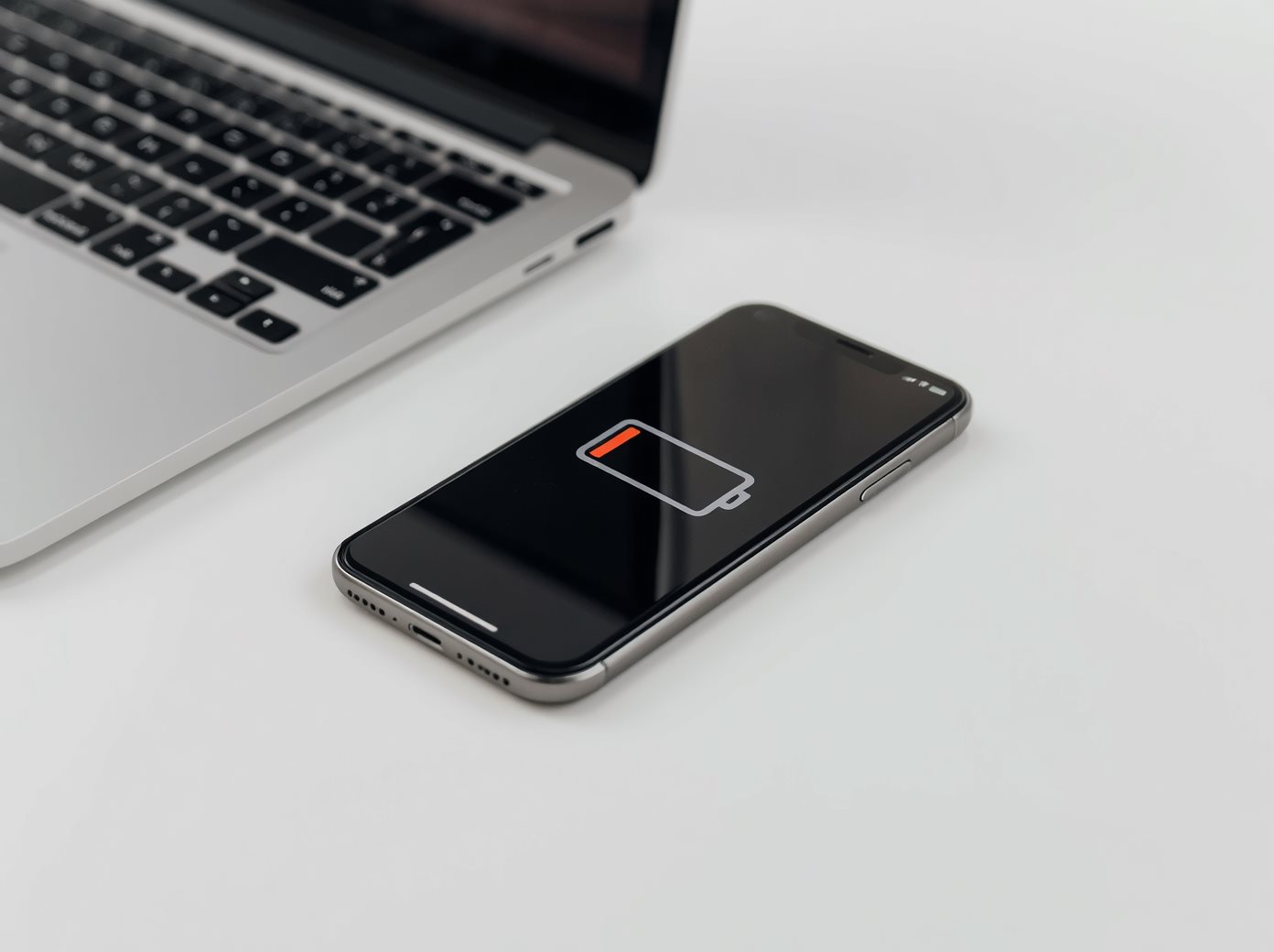
NordVPN is our top overall mobile VPN recommendation, but no responsible comparison can promise that one VPN will use the least battery on every phone. Battery impact changes with the device, operating system, mobile signal, Wi-Fi quality, VPN protocol, server distance, traffic, background restrictions, and how often the connection must recover.
We have not run a controlled battery benchmark across these providers, so this guide does not publish invented percentages or call any service a universal battery winner. Instead, it compares documented mobile protocols and controls, explains the tradeoffs, and gives you a repeatable test for your own phone.
| VPN | Best fit | Relevant mobile technology | Important limitation |
|---|---|---|---|
| NordVPN | Best overall mobile feature balance | NordLynx, Auto-connect, kill-switch options on supported platforms | Battery results vary; some features depend on platform and plan |
| ExpressVPN | Simple mobile connection experience | Lightway protocol and mobile apps | No independent battery result is claimed here |
| Surfshark | Households with many devices | WireGuard support and unlimited simultaneous connections | Feature availability varies by operating system and subscription |
A modern protocol can be one useful selection factor, but protocol branding alone cannot predict total battery drain. The phone's cellular radio, display, video playback, weak signal, and other apps can consume more power than the VPN during a real day.
A VPN performs encryption and sends traffic through an additional network path. The effect depends on several interacting factors.
WireGuard uses a comparatively compact design, while NordVPN documents NordLynx as its WireGuard-based protocol and ExpressVPN describes Lightway as a protocol designed for efficient connection behavior. These designs may be suitable for mobile use, but implementation quality, app behavior, and network conditions still determine the result.
Do not convert a codebase size or marketing description into a battery percentage. A smaller protocol implementation does not prove that the entire app will use a fixed amount less energy on your phone.
A weak cellular signal can make the radio work harder and trigger repeated packet loss or reconnection. If a VPN appears efficient on home Wi-Fi but drains the phone while traveling, compare the signal and network type before blaming the encryption alone.
Streaming video, cloud backup, app updates, video calls, and large downloads use network and processor resources with or without a VPN. Compare similar activities when testing. A day of video cannot be fairly compared with a day of light messaging.
A faraway or unstable server can add latency and cause more retransmissions or reconnect attempts. Start with the provider's recommended connection or a nearby server unless you specifically require another region.
Moving between Wi-Fi and mobile data forces the VPN to maintain or rebuild its tunnel. Frequent handoffs, poor reception, captive portals, and aggressive power management can increase activity or cause repeated disconnects.
If the VPN works on Wi-Fi but fails on cellular, use our Wi-Fi versus mobile-data troubleshooting guide.
Android can optimize background activity, and phone manufacturers may add sleeping-app controls. Apple documents that Low Power Mode reduces background activity and disables Background App Refresh, although that does not prove it will disconnect every VPN configuration.
Restricting a VPN too aggressively can save some power but cause the tunnel to stop or reconnect. Exempting it from every optimization can improve stability but increase battery use. Make a targeted change and measure both effects.
NordVPN is our top recommendation because its Android and iOS apps combine an accessible connection flow with NordLynx, Auto-connect, server selection, and kill-switch options on supported platforms. NordLynx is built around WireGuard, a modern protocol with a compact design.
VPNScout has not measured NordVPN against every competitor under controlled laboratory conditions. We therefore do not claim a daily drain percentage or guarantee that NordLynx will use less power than every alternative on your device. Threat-protection, split-tunneling, and background features can also change resource use and availability by platform or plan.
NordVPN remains our first choice for the overall combination of mobile controls, documentation, privacy features, and ease of use—not because of an unsupported battery benchmark.
ExpressVPN's Lightway protocol was designed for its apps and emphasizes efficient reconnection when a device changes networks. That design is relevant to phones moving between Wi-Fi and cellular service.
The provider's design claims do not establish how much battery your specific iPhone or Android phone will use. Verify the protocol selected in the app and compare it under the same signal, server, and workload as any alternative.
Surfshark supports WireGuard and permits unlimited simultaneous device connections. It can be convenient when one household wants to protect several phones, tablets, and computers without managing a fixed connection allowance.
Unlimited connections do not make each individual device more battery efficient. Surfshark features and background behavior vary by operating system and plan, so test the exact app version and settings you use.
For a broader product comparison, see NordVPN vs Surfshark vs ExpressVPN.
Phone battery percentages are noisy. Background updates, temperature, screen brightness, signal, and battery health can overwhelm small differences. Use the same conditions and repeat the test.
This is still a personal device test, not a laboratory result. It tells you which configuration works better on your phone; it should not be generalized to every user.
On a Pixel phone, Google documents Settings > Battery > Battery usage as the place to review usage by app. Other Android manufacturers use different names and may include separate background limits, sleeping apps, Data Saver, or power-saving controls.
Keep the default optimized setting unless the VPN repeatedly disconnects or the provider recommends a targeted exception. Google notes that restricting background activity can affect app behavior, while removing optimization can allow more background activity and consume more battery.
If your tunnel drops when the display turns off, follow our guide to a VPN stopping when the phone screen turns off. For broader instability, see VPN keeps disconnecting on Android.
Open Settings > Battery to compare app activity and battery use over the available time ranges. Apple states that Low Power Mode reduces background activity and turns off Background App Refresh. Treat that as a diagnostic variable, not proof that it caused a VPN problem.
Run the same test with Low Power Mode consistently on or off. If the VPN repeatedly reconnects, review the provider's Auto-connect or on-demand settings, update iOS and the app, and reset the VPN profile only after simpler checks.
Do not disable the kill switch simply to improve a battery number. It is intended to prevent traffic from falling back to an unprotected route after a VPN failure. If you temporarily change it during diagnosis, restore the protection afterward if it matches your needs.
Sending fewer apps through the VPN may reduce the protected traffic handled by the tunnel, but it also means excluded apps use the ordinary connection. Use split tunneling for a specific compatibility or routing reason, not merely to produce a lower VPN battery statistic.
Routing through more than one VPN server can add latency and network work. It may be useful for a particular threat model, but it is not the default choice for a battery-focused everyday test.
Always-on protection can keep or restore the tunnel according to operating-system and app behavior. Turning it off may reduce VPN uptime rather than improve the efficiency of an equivalent protected session. Compare both battery and protection coverage.
A VPN adds encryption and network processing, so it can use additional power. The size of the effect depends on the phone, protocol, signal, traffic, server, app, and settings. There is no trustworthy universal percentage.
NordLynx uses a WireGuard-based design that is suitable for modern devices, but VPNScout has not conducted a controlled cross-device battery benchmark. Test both protocols under the same conditions on your phone if the app supports them.
That is a privacy choice, not a universal optimization. Some users want VPN protection on every network; others exclude a trusted network. Measure the difference and understand what traffic will no longer use the VPN before changing Auto-connect.
Weak signal, cellular radio activity, IPv6 behavior, network handoffs, and repeated reconnects can contribute. Compare the same activity in one location on stable Wi-Fi and mobile data.
Aggressive background restrictions or manufacturer sleeping-app controls can interfere with some VPN apps. Use the provider's documentation and change only the VPN's relevant setting rather than disabling optimization system-wide.
There is no defensible universal winner without testing the same current app versions across multiple devices and networks. Our top overall mobile recommendation is NordVPN, while your own repeatable test is the best way to identify the lowest drain on your phone.
Choose a mobile VPN for its complete privacy, security, reliability, support, and platform fit—not an unsupported battery percentage. NordVPN is our top overall recommendation because of its balanced mobile toolkit and NordLynx support. ExpressVPN's Lightway and Surfshark's WireGuard support are credible alternatives.
Whichever provider you choose, use a nearby server, configure Auto-connect deliberately, monitor the phone's battery screen, and test under repeatable conditions. A transparent personal measurement is more useful than a precise-looking number with no documented method.