How this article was prepared
VPNScout reviews official documentation and public security guidance, then checks material claims during editorial updates. We do not describe a product as hands-on tested unless the article includes the test conditions and results.
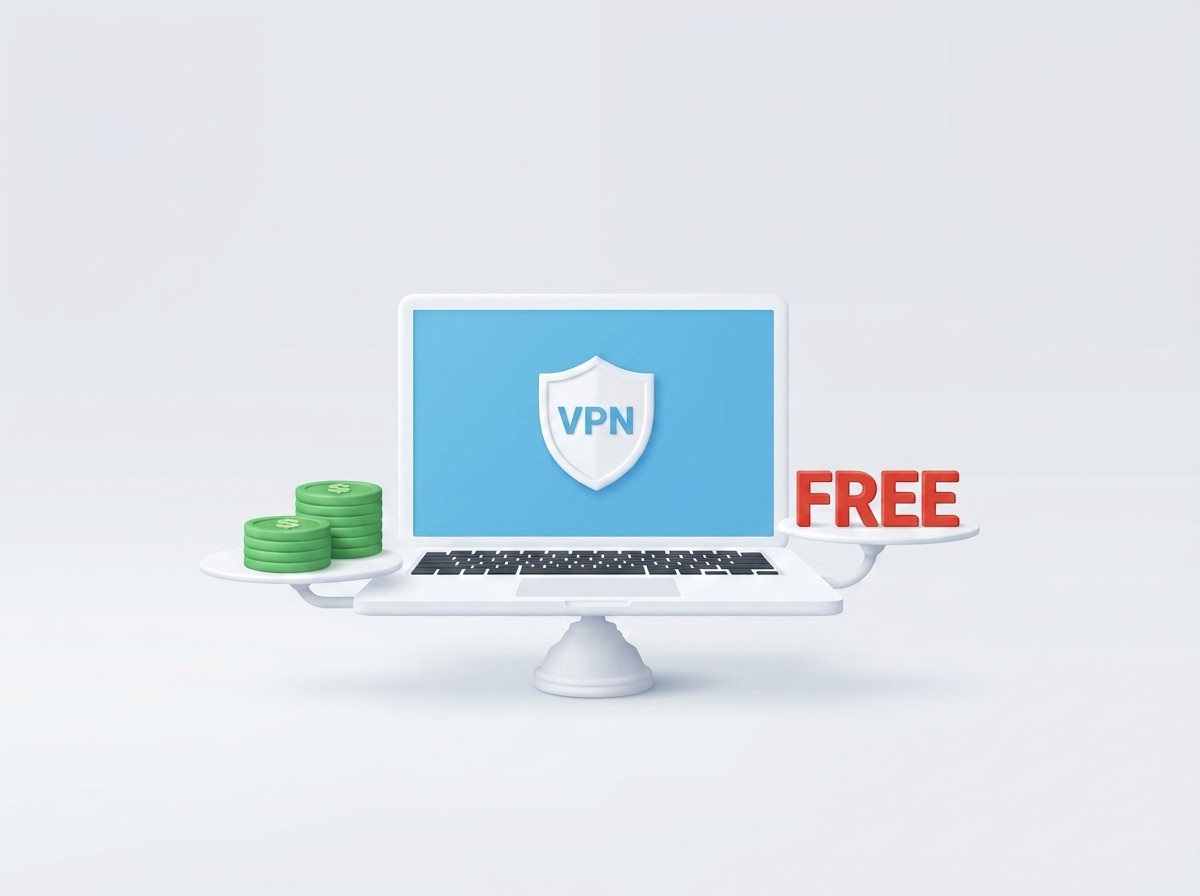
Some free VPNs can be reasonable for limited use, but an unknown free VPN should not be trusted simply because it appears in an app store. A VPN can handle the internet traffic leaving your device, so unclear ownership, vague logging language, intrusive permissions, weak tunnel behavior, or an advertising-based business model deserve careful scrutiny.
A safer free option normally has an identifiable operator, a specific privacy policy, maintained apps, a clear funding model, and credible technical documentation. A free tier funded by a transparent paid service or nonprofit is different from an anonymous app whose business model is difficult to explain.
Before installing one, check:
If you cannot identify the operator, understand the funding model, or find a meaningful privacy policy, do not route sensitive activity through that service.
A VPN encrypts traffic between your device and the VPN server. This can reduce what an internet provider or untrusted local network can observe about traffic inside the tunnel. It also moves an important point of trust to the VPN operator, because traffic exits through that provider's infrastructure.
The VPN does not automatically make you anonymous. Websites can still recognize accounts, cookies, device characteristics, location permissions, and activity outside the tunnel. A provider may also retain operational or account data even when it advertises a “no-logs” policy, so the exact definitions and exceptions matter.
For a broader explanation, read what your internet provider can see when you use a VPN.
A 2026 paper presented at the Network and Distributed System Security Symposium introduced MVPNalyzer, a framework for examining Android VPN apps. The researchers collected apps found through VPN-related Google Play searches in November 2024, excluded apps that could not provide a functioning general-purpose VPN for their tests, and evaluated 281 apps on Android 14.
Among that specific dataset, the researchers reported:
These findings are serious, but they must be interpreted correctly. They describe the tested Android dataset and methodology, not every free VPN on every platform. App versions and provider behavior can change after testing. An install is not the same as a unique active user, and a large aggregate install count does not show that every session leaked.
The US Federal Trade Commission has also advised users to investigate what information a VPN app collects, why it needs permissions, whether it shares information with third parties, and whether it encrypts the data sent through it. The FTC notes that some free VPN apps are supported through advertising or information sharing.
A privacy policy may use reassuring language while allowing collection of connection timestamps, source IP addresses, device identifiers, approximate location, DNS requests, or advertising data. Some operational data can be necessary to run a service, but the provider should state what is collected, why, for how long, and with whom it is shared.
Treat “no logs” as a claim to examine, not a complete answer. Determine whether it means no browsing activity, no source IP addresses, no connection metadata, or something narrower.
Advertising-supported apps may include analytics or advertising components. Their presence does not prove that browsing history is sold, but each additional third party can expand the data flows and attack surface. Check the app-store data-safety information and compare it with the full privacy policy.
Do not assume that paying automatically guarantees privacy either. Paid products still require evaluation; the funding model is only one signal.
A VPN icon can appear even when some traffic is not using the expected tunnel. Possible causes include app defects, unsupported IPv6 behavior, split tunneling, configuration errors, or a connection that fails without effective leak protection.
After installation, compare the exact public IPv4 and IPv6 addresses before and after connecting and run a DNS-leak test from a reputable service. Never post your real IP address or diagnostic logs publicly. If the VPN connects but your address does not change, follow our IP address troubleshooting guide.
A provider can advertise strong encryption while using insecure configuration delivery, obsolete settings, or poor certificate validation elsewhere in the system. Look for maintained protocols, documented update practices, and meaningful security assessments that cover the applications and infrastructure you use.
Android and iOS require specific system approval to create a VPN configuration. That request is expected. Access to contacts, microphone, precise location, accessibility controls, or files is a separate matter and should have a clear feature-related reason.
Platform permission labels vary and can be imperfect. Review them as one part of the decision rather than treating a single permission as conclusive proof.
Avoid services with no verifiable operator, copied privacy policies, dead support addresses, long gaps between updates, or websites that do not identify the product's legal entity. A security app needs maintenance as operating systems, protocols, and vulnerabilities change.
No. “Free” describes price, not one technical design or business model. Some reputable organizations fund a limited free tier with paid subscriptions or donations. A sustainable free tier may restrict locations, speed, data, or advanced features while applying the same core tunnel protections as the paid product.
The safer question is not simply “Is it free?” Ask who operates it, how it is funded, what is collected, what the free tier excludes, and what evidence supports its security claims.
| Question | Free service | Paid service |
|---|---|---|
| How is it funded? | Paid tier, donations, advertising, data-related services, or another model | Subscription revenue, sometimes with additional products or analytics |
| Typical limitations | May restrict data, locations, speed, queues, or features | Usually broader network and feature access |
| Is it automatically private? | No | No |
| What should you verify? | Operator, funding, policy, permissions, protocols, audits, and limitations | The same checks, plus renewal terms and plan-specific features |
Payment is not proof of quality. A transparent, maintained free tier can be safer than an obscure paid app. Evaluate the provider, not only the price.
Use this checklist before trusting any VPN:
A paid service may be more practical if you need consistent access across several devices, a larger choice of locations, responsive support, router documentation, or advanced controls. Our current overall recommendation is NordVPN because it combines maintained apps and protocols with features such as NordLynx, kill-switch controls, and specialist server options on supported platforms.
That recommendation is not a guarantee of anonymity or protection from every threat. Features vary by platform and plan, and you should still review current documentation and privacy terms. Compare NordVPN with alternatives on our evidence-led VPN comparison page.
That depends on its policy, practices, and applicable law. Some free services use advertising or share certain information with third parties, while others are funded by paid subscriptions or donations. Read the definitions, data categories, recipients, and retention terms instead of relying on the word “free.”
Banking sites normally use HTTPS, but an untrusted VPN still occupies a privileged network position. Use a provider you have carefully verified, keep the banking app and device updated, use multifactor authentication, and avoid proceeding through certificate warnings. A VPN does not prevent phishing or account theft.
Not necessarily. An extension may protect only supported browser traffic, while a full VPN app can route broader device traffic. Extension permissions and provider ownership require the same scrutiny. Do not assume the word “VPN” means system-wide protection.
No. App stores provide useful distribution and review controls, but publication is not a substitute for your own provider, policy, permission, and evidence checks.
You can compare public IPv4, IPv6, and DNS results before and after connecting, then test reconnection and kill-switch behavior. These checks can identify obvious problems but do not prove everything about a provider's internal logging or infrastructure.
Some free VPNs have transparent, sustainable models and clearly disclosed limits. Others expose users to avoidable privacy or security risk. Do not choose by download count, star rating, or a promise of unlimited access. Verify the operator, funding, policy, permissions, protocols, update record, and independent evidence, then test the connection on your own device.